Kling is a text-to-video AI tool developed by Kuaishou's AI team. It allows users to create high-quality videos from text prompts.
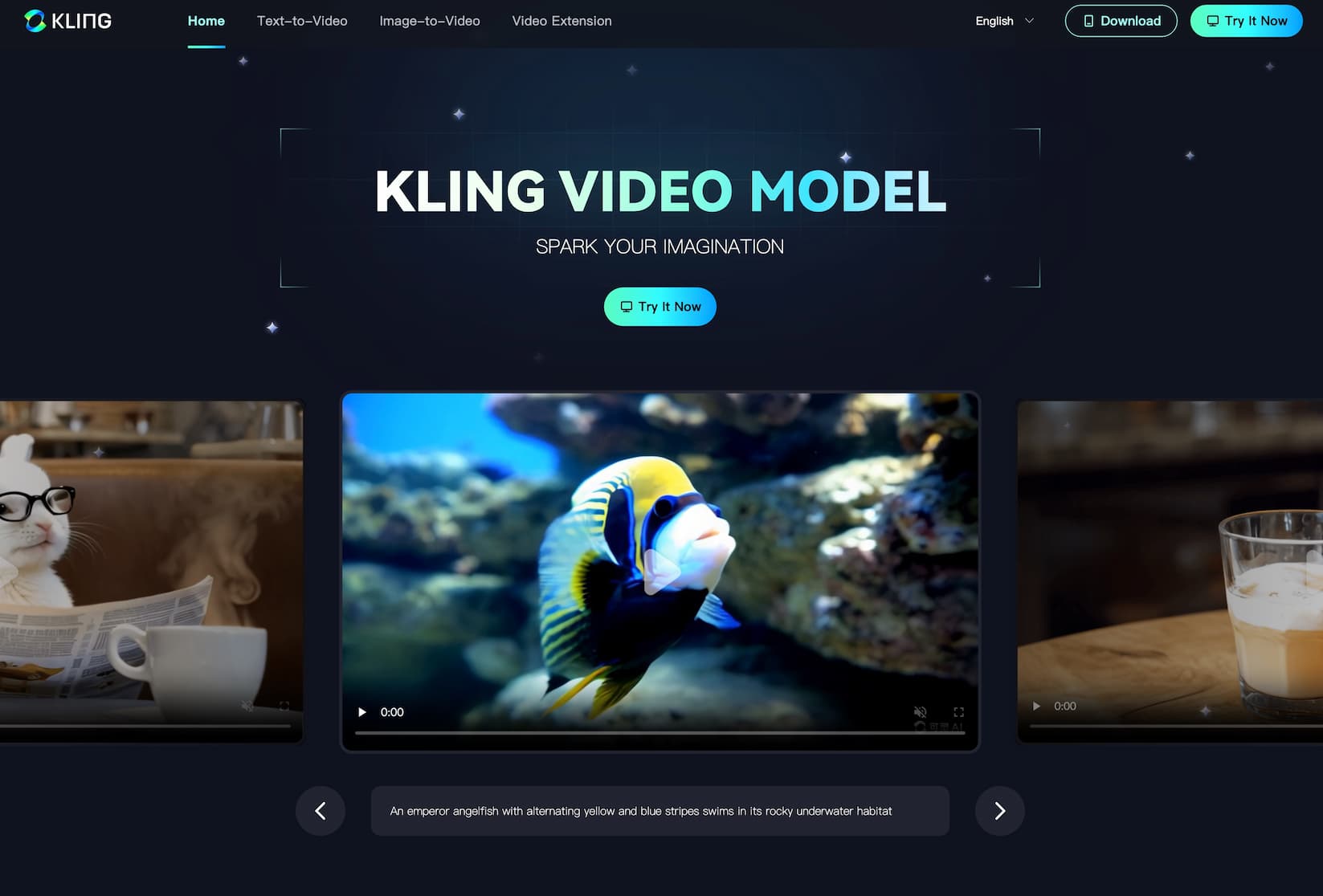
What is Kling?
Kling is an AI-powered tool that transforms text descriptions into videos. It generates videos up to two minutes long, with a resolution of 1080p at 30 frames per second. It also supports various aspect ratios.
How to Use Kling
To use Kling, visit its official website at https://kling.kuaishou.com/. Enter a text prompt describing the desired video content. Kling will process the input and generate a corresponding video. Users can further refine the output by adjusting settings or providing additional prompts.
Kling's Core Features
-
High-Quality Video Generation: Kling produces videos up to 1080p resolution at 30 frames per second.
-
Flexible Video Length: It can create videos up to two minutes long, accommodating various content needs.
-
Aspect Ratio Support: Kling supports multiple aspect ratios, ensuring compatibility with different platforms.
-
Lip-Sync Feature: Users can upload audio to synchronize a character's lip movements with the audio, enhancing realism.
FAQ from Kling
-
Is Kling available?
Yes, Kling is available for use. Users can access it through its official website.
-
What does Kling do?
Kling converts text prompts into high-quality videos, simplifying the video creation process.
-
Is Kling free?
Kuaishou has opened international access to Kling AI, offering daily free credits for users to test its capabilities.
-
When was Kling released?
Kuaishou unveiled Kling in June 2024.
-
Is Kling as good as other tools?
Kling is considered a strong competitor in the text-to-video AI space, with features comparable to other leading tools.